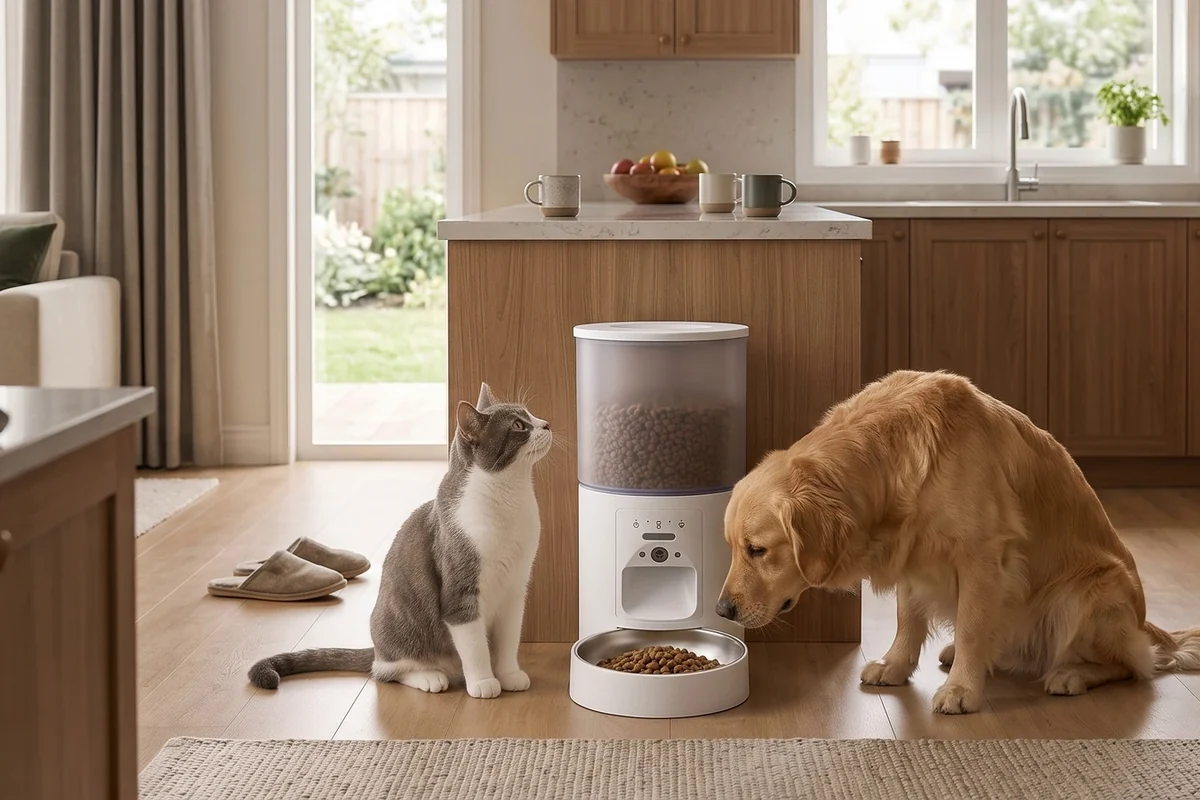
An automatic cat feeder repeats a setting. It does not decide how much your cat should eat. Before you create a schedule, translate the feeder’s portion numbers into the amount of your own kibble that actually lands in the bowl. This short calibration process helps make the numbers in the app useful.
The same method works for a dry-food dog feeder. First check the manual for compatible food sizes and shapes, then use a kitchen scale and an empty bowl. Keep the test food separate so it does not become an unplanned extra meal.
What does one feeder “portion” mean?
A portion is a dispensing unit defined by the device. It is not a universal number of grams, a measuring cup, or a recommended meal. Different kibble sizes and shapes can produce different weights from the same setting. Changing food is a reason to check calibration again, even if the new bag looks similar.
Start with your pet’s existing feeding plan. If you need to establish or change that plan, ask your veterinarian. An automated schedule should deliver the chosen daily amount; buying a feeder is not, by itself, a reason to increase it. VCA’s cat feeding guidance also emphasizes consistency in the total food offered each day.
Calibrate the feeder in six steps
- Check food compatibility. Confirm that the manual allows the kibble you use. Do not add wet food to a dry-food hopper.
- Prepare the bowl and scale. Put an empty bowl on the scale and tare it to zero.
- Test the smallest dispensing unit. Use the manual feed control and record the weight delivered. Empty the bowl before repeating.
- Repeat the test. Try five separate runs using the same setting. Record each result rather than relying on the first one.
- Calculate an average. Add the five weights and divide by five. This is your working estimate for that food and setting.
- Test the full daily schedule. Run a supervised trial, collect all planned releases, and compare the total with the amount you intended.
A worked example, not a feeding recommendation
Suppose five test releases weigh 5 g, 6 g, 5 g, 6 g, and 5 g. The average is 5.4 g. Ten units would therefore be an estimate of 54 g, but you should still weigh an actual ten-unit release. Small dispensing differences can accumulate across a schedule.
These numbers illustrate the calculation only. They do not specify a suitable daily allowance for any cat or dog. Your feeder may dispense a different amount, and your pet may need a different diet or feeding arrangement.
Check the schedule, not just the portion number
Write down each meal time, the number of units, and the expected weight. Include food supplied by another person, manually dispensed snacks, and any meals offered outside the feeder. In a shared household, choose one place to record changes so two people do not independently add an extra meal.
For two pets, also check who reaches the bowl. A dual-bowl feeder divides the eating area; it does not guarantee that each animal receives an equal share. Supervise the first meals and use separate feeding arrangements when individual access matters.
When should you recalibrate?
- When you change the kibble brand, recipe, size, or shape.
- After cleaning and reassembling the dispensing parts.
- When a release looks different or food flow becomes inconsistent.
- After changing a schedule, time zone, or daylight-saving setting.
If weights vary widely, pause the schedule and inspect the feeder using its manual. Check assembly, food compatibility, and the outlet before changing portion settings to compensate. Keep hands away from a powered dispensing mechanism.
Frequently asked questions
Can I convert a cup directly into an app portion?
Only after measuring your own food and feeder. A cup measures volume, while the device’s portion number describes its dispensing action. Weighing the output connects the two.
Does a camera measure how much my cat eats?
A camera can show activity near the bowl, but video alone does not weigh a meal or confirm how much one pet consumed. Check the model’s actual features before relying on intake information.
Next, read how to build a calmer feeding routine or compare FurPerch automatic pet feeders. For the device features that matter most, see our camera versus no-camera feeder guide.