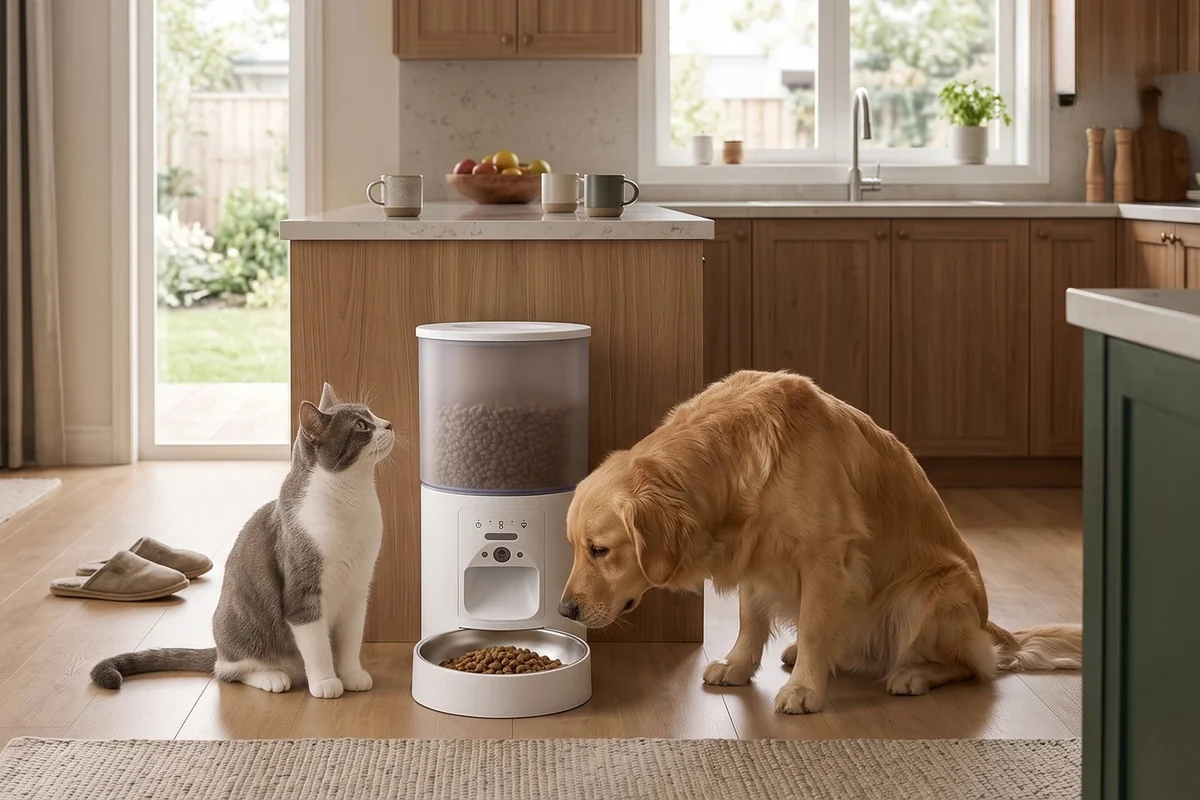
Choosing an automatic pet feeder with a camera starts with a practical question: do you want to see the feeding area, or do you mainly want meals to be dispensed on a schedule? Both styles can support a daily routine. The useful choice depends on which tasks you want the device to handle and which checks you will still do yourself.
Use this comparison for dry-food cat and dog feeders, then confirm the specifications of the exact model. “Smart,” “app controlled,” and “camera” describe different features; one label does not guarantee the others.
What a camera adds
A camera can help you look at the bowl area while you are elsewhere. Depending on the model, live video may make it easier to see whether a pet approached the station or whether the bowl appears to contain food. Framing matters: a camera aimed too high may show the room clearly while missing the bowl.
Some camera feeders also list two-way audio, night vision, recordings, or app alerts. Treat each as a separate specification. Check whether any feature needs an account, a particular network connection, a storage accessory, or an optional paid service before you buy.
What a feeder without a camera can offer
A no-camera model can be a sensible fit when timed dispensing is the main goal and you already check the feeding area in person. It also avoids placing a camera in a private part of the home. Depending on the product, scheduling may use physical buttons or an app; no camera does not automatically mean no connectivity.
For example, FurPerch’s Automatic Pet Feeder with App Control, No Camera is designed around scheduled portions without a built-in camera. Compare its controls and food compatibility with the requirements of your own routine.
Compare these features before comparing prices
- Food compatibility: check the supported food type and kibble size, not just the hopper capacity.
- Portion control: confirm how settings work and measure the actual output with your food.
- Power: read what backup power supports, whether batteries are included, and what happens during an outage.
- Cleaning: identify which bowls, lids, and food-contact parts can be removed.
- Connectivity: check the supported Wi-Fi band and what the device can do when the internet is unavailable.
- Privacy and sharing: review app permissions, account access, and how other household members are added.
- Ongoing costs: distinguish the purchase price from any optional recording or cloud services.
Three household situations to think through
You mainly want breakfast at a consistent time
Start with scheduling, measured portions, reliable food flow, and controls you can understand easily. A camera may be useful, but it does not replace those basics. A simpler model can fit this task if its features match your needs.
You want to check the bowl while you are out
A camera model may suit this goal. Before leaving it to run, view the live image from outside the home network, check the bowl is in frame, and arrange for a person to help if a physical problem occurs. Remote viewing cannot refill a hopper or clear an obstruction.
Two pets share a feeding area
Consider bowl spacing, access, and each pet’s behavior. FurPerch’s 4L dual-bowl feeder with camera combines two bowls with viewing features. Two bowls do not identify individual pets or guarantee equal intake, so supervised trials remain useful.
A camera is an extra view, not an intake measurement
Video may show that a pet visited the station without showing exactly how much it ate. It may also miss activity outside the frame. If your feeding plan depends on measuring each animal’s intake, select an arrangement that can verify that information rather than assuming a camera supplies it.
Likewise, automatic dispensing does not remove the need to inspect food, clean the bowl, maintain fresh water, and check on the animal. Those tasks belong in your routine whichever style you choose.
Frequently asked questions
Does every camera feeder require a subscription?
No single answer applies to every model. Read the product page and current app terms for live viewing, recordings, and storage separately.
Should I choose the largest hopper?
Choose a capacity that fits your refill routine and the food’s storage instructions. Capacity describes space; it is not a recommended interval between checks.
Before setting up either type, follow our automatic feeder portion calibration guide. You can then compare the current FurPerch pet feeder range using the features above.